Diegetic vs Non-Diegetic UI: The Two Ways Games Show You Information

Every game has to tell you your health, ammo, and objectives. The interesting question is where it puts that information. Diegetic UI lives inside the game world, like the glowing health bar on Isaac's spine in Dead Space. Non-diegetic UI sits on top of the screen, like the classic health bar in the corner. Understanding diegetic vs non-diegetic UI is one of the most useful mental models in game interface design, because the choice shapes how immersed, and how informed, your players feel. Here is the difference, with examples and when to use each.
The short answer
Diegetic UI is information shown inside the game world, that the character could plausibly see or interact with. Think of an ammo counter on the side of the gun, or a health readout on the character's suit.
Non-diegetic UI is information layered on top of the screen, outside the fiction, that only the player sees. Think of a health bar in the corner, a floating minimap, or a score counter.
Put simply: diegetic UI is in the world. Non-diegetic UI is on the glass. Most games use both, and knowing which job each does is what separates immersive interfaces from cluttered ones.
Diegetic UI, with examples
Diegetic elements are part of the game's reality. The most famous example is Dead Space, where Isaac's health is a lit strip on his spine and his ammo appears as a holographic projection from the gun. There is no traditional HUD at all. The result is deep immersion, because nothing breaks the fiction.
Other examples: the in-world computer terminals in many horror games, the map you physically pull out in Far Cry 2, or a car's actual dashboard in a racing sim.
Diegetic UI shines when immersion is the point. Its cost is legibility and speed. Information in the world is often harder to read at a glance than a clean overlay, and it constrains your art and level design.
Non-diegetic UI, with examples
Non-diegetic UI is the traditional HUD: health and ammo in the corners, a minimap, objective markers, floating damage numbers. The player sees it, the character does not. Nearly every competitive and fast-paced game leans on it because it is instantly readable.
Its strength is clarity and speed. Its cost is immersion. A busy overlay constantly reminds you that you are looking at a game, and too much of it turns the screen into a dashboard.
The fuller framework: four types of UI

The classic model (from designer Marcus Andrews' breakdown of Dead Space) actually splits UI into four types along two axes: whether it exists in the game's story (the narrative), and whether it exists in the game's 3D space (the geometry).
- Non-diegetic: not in the story, not in the world. The corner health bar.
- Diegetic: in the story and in the world. Isaac's spine health bar.
- Spatial: in the world's 3D space but not part of the story. Floating objective markers or selection rings the character cannot see.
- Meta: in the story but not physically in the space. Blood spatter on the screen when you take damage, representing the character's state.
Most modern games blend all four. Knowing the categories gives you a vocabulary for deciding where each piece of information should live.
When to use which
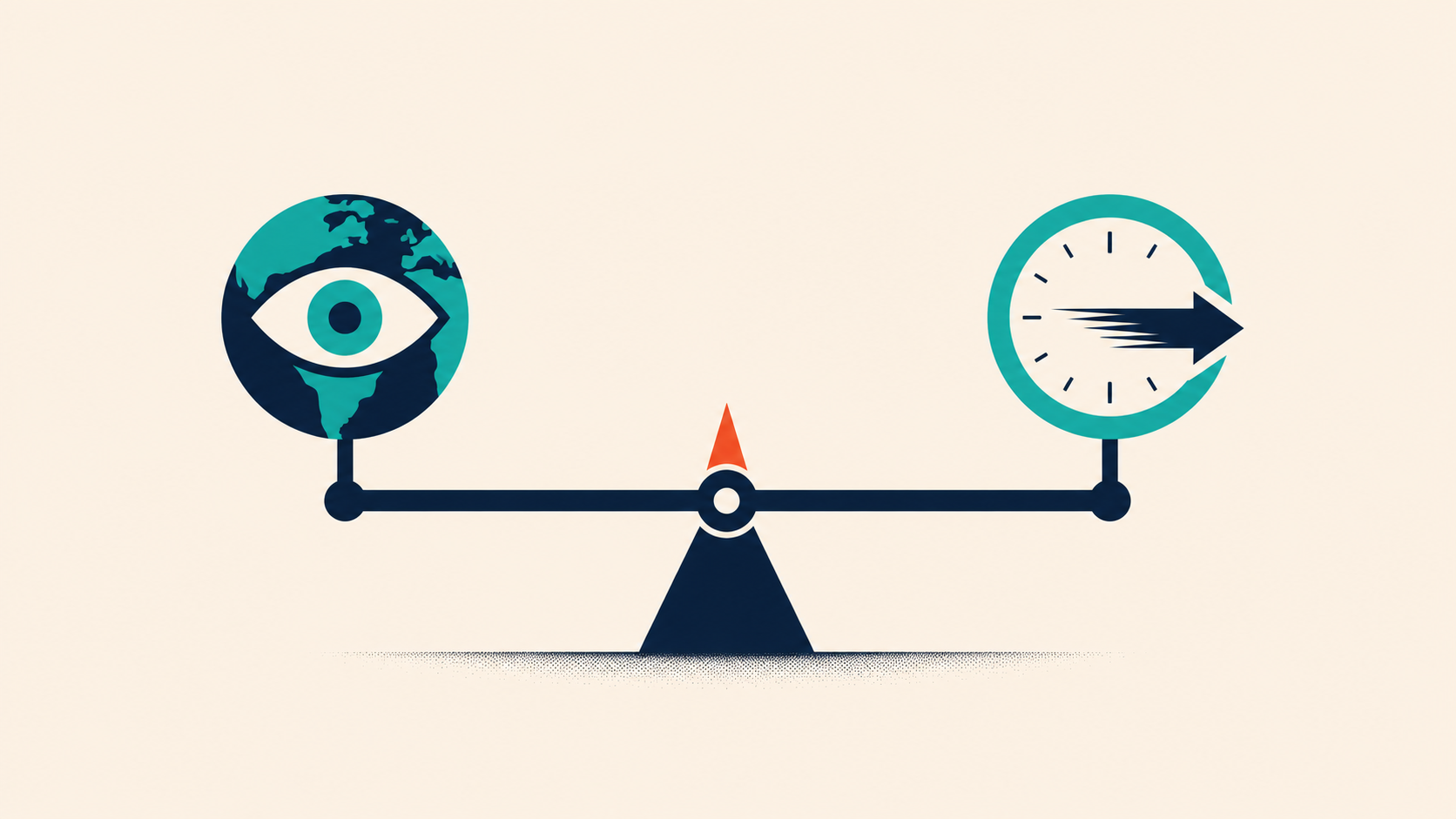
There is no "better" option, only fit:
- Lean diegetic when immersion is your core promise: horror, narrative, sim, VR. VR especially punishes floating overlays and rewards in-world information.
- Lean non-diegetic when speed and clarity win: competitive shooters, strategy, anything fast where a missed read costs the player.
- Blend deliberately. Use diegetic and meta elements to deepen immersion, and reserve non-diegetic overlays for the few things players must read instantly. The mistake is defaulting to a corner HUD for everything without asking whether the world could carry it.
The best interfaces make this choice on purpose, information by information, rather than dropping a standard HUD on top and moving on.
Frequently asked questions
What is diegetic UI in games? Diegetic UI is interface information shown inside the game world, that the character could plausibly perceive, like a health readout on a character's suit or an ammo counter on the gun. It keeps players immersed because it never breaks the fiction. Dead Space is the classic example.
What is non-diegetic UI? Non-diegetic UI is interface information layered on top of the screen, outside the game's fiction, that only the player sees. Traditional HUD elements like a corner health bar, minimap, or score counter are non-diegetic. It prioritizes clarity and speed over immersion.
What is the difference between diegetic and non-diegetic UI? Diegetic UI exists in the game world and the character could see it; non-diegetic UI sits on the screen and only the player sees it. Diegetic favors immersion, non-diegetic favors instant readability. Most games use both.
What are spatial and meta UI?Spatial UI exists in the game's 3D space but not its story, like floating objective markers the character cannot see. Meta UI exists in the story but not the physical space, like blood on the screen representing the character taking damage. Together with diegetic and non-diegetic, they form the four standard UI types.
Is diegetic UI always better? No. Diegetic UI deepens immersion but can be slower to read and harder to design around. Non-diegetic UI is clearer and faster but can break immersion. The right choice depends on the game: horror and VR lean diegetic, competitive games lean non-diegetic, and most titles blend both.
Designing a UI that fits your game
Choosing where information lives, in the world or on the glass, is exactly the kind of decision we help studios get right. PUNCHev Group has shipped game UI and UX across 150+ titles with studios and publishers including 2K, SEGA, and Sony. If you want an interface that keeps players immersed and informed, talk to us.