Game UX vs Game UI: What's the Difference?
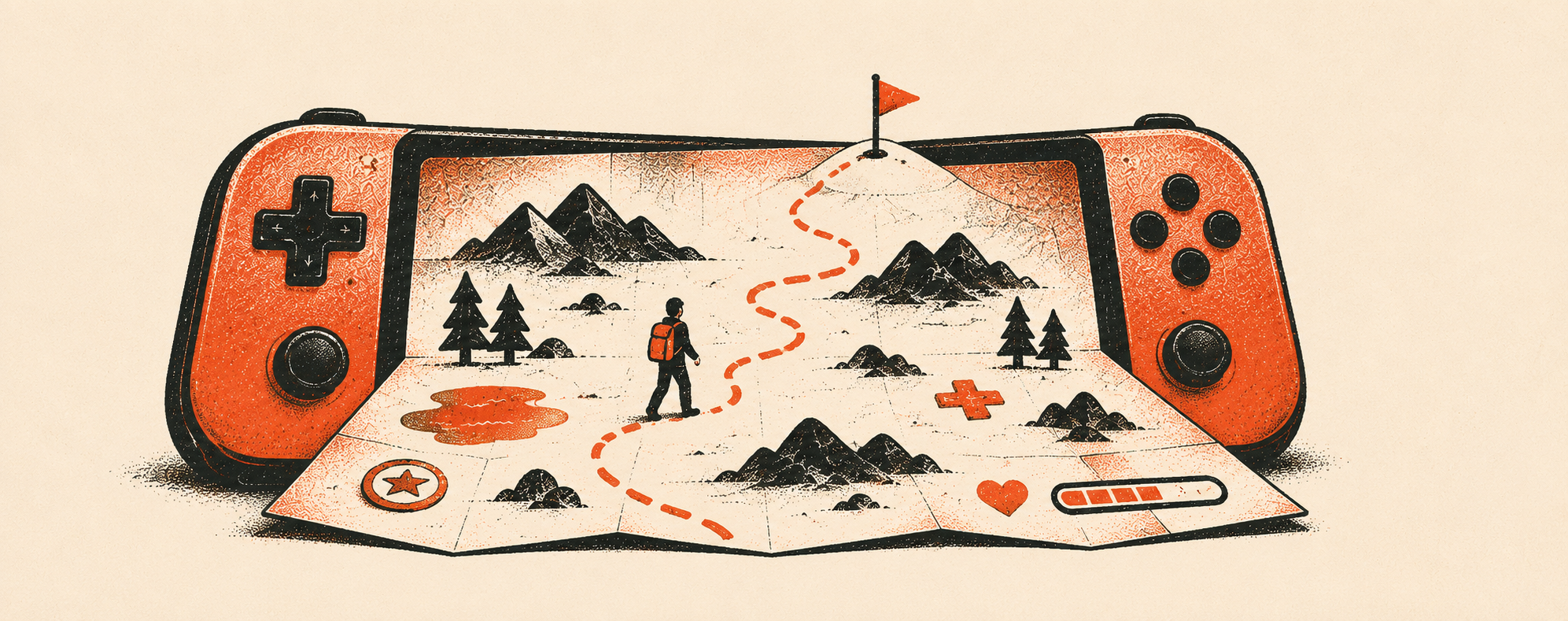
"UX" and "UI" get used like they mean the same thing. In games they don't, and the gap between them is where a lot of good-looking titles quietly go wrong. Here is the plainest way we explain game UX vs game UI after shipping UI and UX on 150+ games: game UI is what the player sees. Game UX is what the player feels. Get the difference wrong and you can build something beautiful that nobody can actually figure out how to play.
The short answer: UI is what players see, UX is what they feel
Game UI (user interface) is the visible surface players interact with: buttons, menus, the HUD, icons, health bars, inventory screens, and every on-screen element that communicates state.
Game UX (user experience) is how the whole thing feels to play: whether players know what to do, understand why they failed, and always sense where to go next.
Put as simply as we can: UI is the map. UX is whether you actually find your way.
Both matter, and they are not interchangeable. A game can have gorgeous UI and broken UX. It can also have plain UI and excellent UX. The best teams treat them as two connected disciplines, not one word.
Game UI, defined
UI is the craft of the surface. On a game team, UI work covers:
- Layout and visual hierarchy so the most important thing reads first.
- HUD design that communicates health, ammo, objectives, and status without clutter.
- Menus, inventory, and settings screens that are legible and on-brand.
- Icons, typography, and readability across resolutions and platforms.
- Visual feedback such as button states, hover, selection, and confirmation.
Good UI is measurable in seconds: can a new player find the primary action, read the numbers that matter, and tell what is clickable? When UI is strong, the screen feels calm and obvious.
Game UX, defined
UX is the craft of the experience. It sits underneath the visuals and decides how the game is understood. UX work covers:
- Onboarding and first-time flow: getting players to their first win before teaching everything.
- Information architecture: how menus nest, how deep the path to play is, what lives where.
- Feedback loops: making sure every action produces a clear result, so nothing feels dead.
- Failure states: helping players understand why they lost and what to change.
- Player mental models: matching the game's logic to what players already expect.
Good UX is often invisible. When it works, players never notice it, they just flow. That is exactly why it is undervalued and, in our experience, the more common failure point.
Why the gap matters (and where teams go wrong)
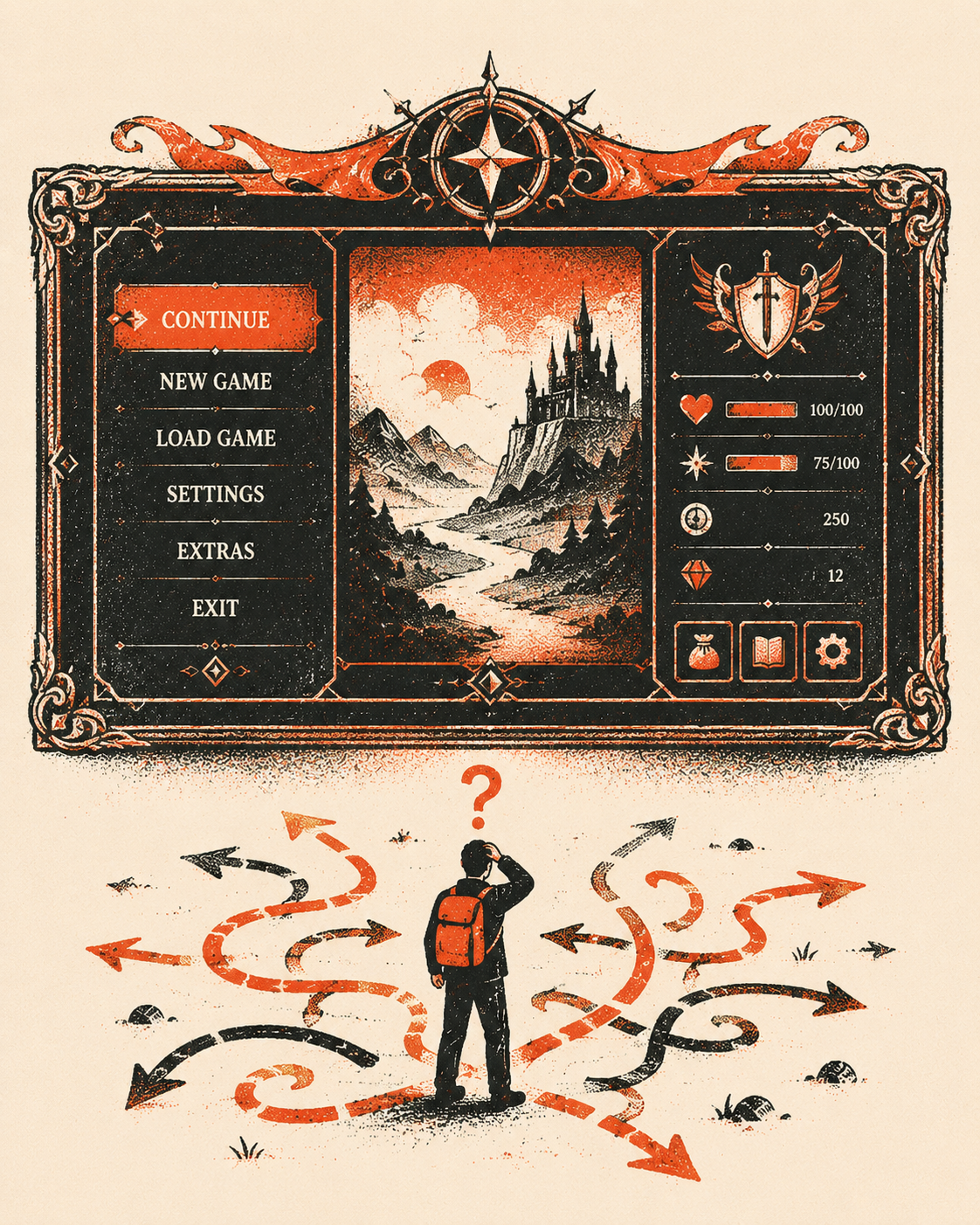
Here is the pattern we see across projects. Two failure modes and one hard-won lesson.
Beautiful UI, broken UX. Stunning menus that still leave players lost. This usually happens when the art direction locks before the flow is figured out. The screens look shippable, so the underlying confusion goes unaddressed until playtesting, when it is expensive to fix.
Plain UI, great UX. Nothing flashy, but players always know what is happening. This is the harder, better outcome, and it rarely gets credit because working UX is invisible.
The lesson: design the experience first, then dress it. Decide what players should understand, feel, and do, then apply the visual layer. The costly mistake is doing it backwards, making it pretty and hoping it feels clear.
How game UI and UX work together
On a healthy production, UI and UX are the same conversation at two altitudes. UX defines the flow and the rules of clarity; UI expresses them on screen. A dropdown menu is a UI element, but whether a dropdown is even the right pattern here is a UX decision. The health bar's art is UI; whether players can read their health at a glance in combat is UX.
When these two are owned by people who talk to each other constantly, the result feels effortless. When they are siloed, you get the beautiful-but-confusing games that test badly and churn players early.
A quick way to judge either one
For UI, watch a new player's first thirty seconds on a screen. Can they find the primary action, read the important numbers, and tell what is interactive? If they hesitate, the UI is doing too much.
For UX, watch them fail and recover. Do they understand why they lost, and do they know what to try next? If they rage-quit or wander menus, the UX has a gap no amount of polish will fix.
Frequently asked questions
Is UI part of UX?In practice, yes. UI is one layer of the overall user experience. UX is the broader discipline covering flow, clarity, and how the game is understood; UI is the visible surface that expresses those decisions. You need both, but UX sets the direction and UI executes it.
What is the difference between UI and UX in games specifically?Game UI is what the player sees: HUD, menus, icons, health bars. Game UX is what the player feels: whether they know what to do, why they failed, and where to go next. Games add real-time feedback, failure states, and onboarding pressure that make the UX layer especially demanding compared to standard app design.
Can a game have good UI but bad UX?Yes, and it is common. A game can look polished while still confusing players about what to do or why they lost. Great visuals cannot rescue a flow that was never designed for clarity.
Which matters more, UI or UX?Neither works alone, but if forced to choose, clarity (UX) beats polish (UI). Players forgive plain visuals faster than they forgive confusion. Ideally you design UX first, then invest in UI so the game is both clear and beautiful.
Who handles UI vs UX on a game team?Sometimes the same designer, sometimes specialists. What matters more than titles is that the person shaping the flow (UX) and the person crafting the screens (UI) collaborate closely, rather than handing finished art back and forth.
Get game UI and UX right from the start
We have shipped UI and UX across 150+ games with studios and publishers including 2K, SEGA, Sony, and Gameloft, on projects like Two Point Museum and Star Trek: Fleet Command. If you want a partner who designs the experience first and then makes it beautiful, we can help.
Take a look at our game UI design and game UX design work, or talk to us about your project.