Game Onboarding UX: Best Practices for a First 60 Seconds That Keeps Players
Most games lose players before the game even starts. Not in the boss fight, in the first minute: the UI menus, the sign-in, the tutorial that explains before it lets you play. Strong game onboarding UX best practices all point at the same goal, which is to get a curious new player to their first moment of fun as fast as possible, with as little friction as possible. This guide covers the principles we rely on after designing onboarding and UX for 150+ games, plus the mistakes we see most often.
Why onboarding decides retention
A player does not quietly leave a bad tutorial a review. They just uninstall. That first minute is where someone decides whether you have earned the next hour, so it carries far more weight than its length suggests. Onboarding is also the cheapest place in the whole game to win or lose a player, because fixing it rarely means adding more. It usually means removing, sequencing, and clarifying what is already there.
The best practices
1. One decision at a time. Stacking three choices on one screen in the first 30 seconds splits attention before the player has any context. Sequence decisions instead of piling them up. Every extra option on screen is another reason to hesitate.
2. Get to the first win fast. Let players do the fun thing before you explain the systems behind it. A quick, satisfying early win buys you the patience to teach the rest. Front-load reward, not rules.
3. Teach by doing, not by reading. Players learn from action, not from a wall of tooltips. Replace text dumps with small guided actions where the player performs the mechanic once, in a safe context, and feels it work.
4. Make the default the good path. Most players never change a default setting. So design the default to be the smart choice, not a placeholder. Good defaults quietly remove decisions the player does not need to make yet.
5. Give feedback on everything. Every tap needs a reaction: motion, sound, a state change. Silence reads as "it did not work." Clear feedback is what makes an interface feel responsive and trustworthy in those fragile first seconds.
6. Respect returning and experienced players. Not everyone is new. Let people skip or speed through what they already know, and segment onboarding so a veteran is not forced through a beginner's script.
7. Test the first 60 seconds harder than anything else. This single minute decides your funnel. Watch real players hit it, note exactly where they hesitate, and iterate on that minute more than any other part of the game.

Common onboarding mistakes to avoid
- Asking the player to make a decision before they understand the choice.
- Explaining the systems before the player has done anything fun.
- Walls of tutorial text and unskippable coach marks.
- No feedback on actions, so the player is unsure whether anything happened.
- Treating every player as a total beginner.
Fixing these is usually cheap. It is about clarity and sequencing, not more art or more features.
Onboarding changes by platform
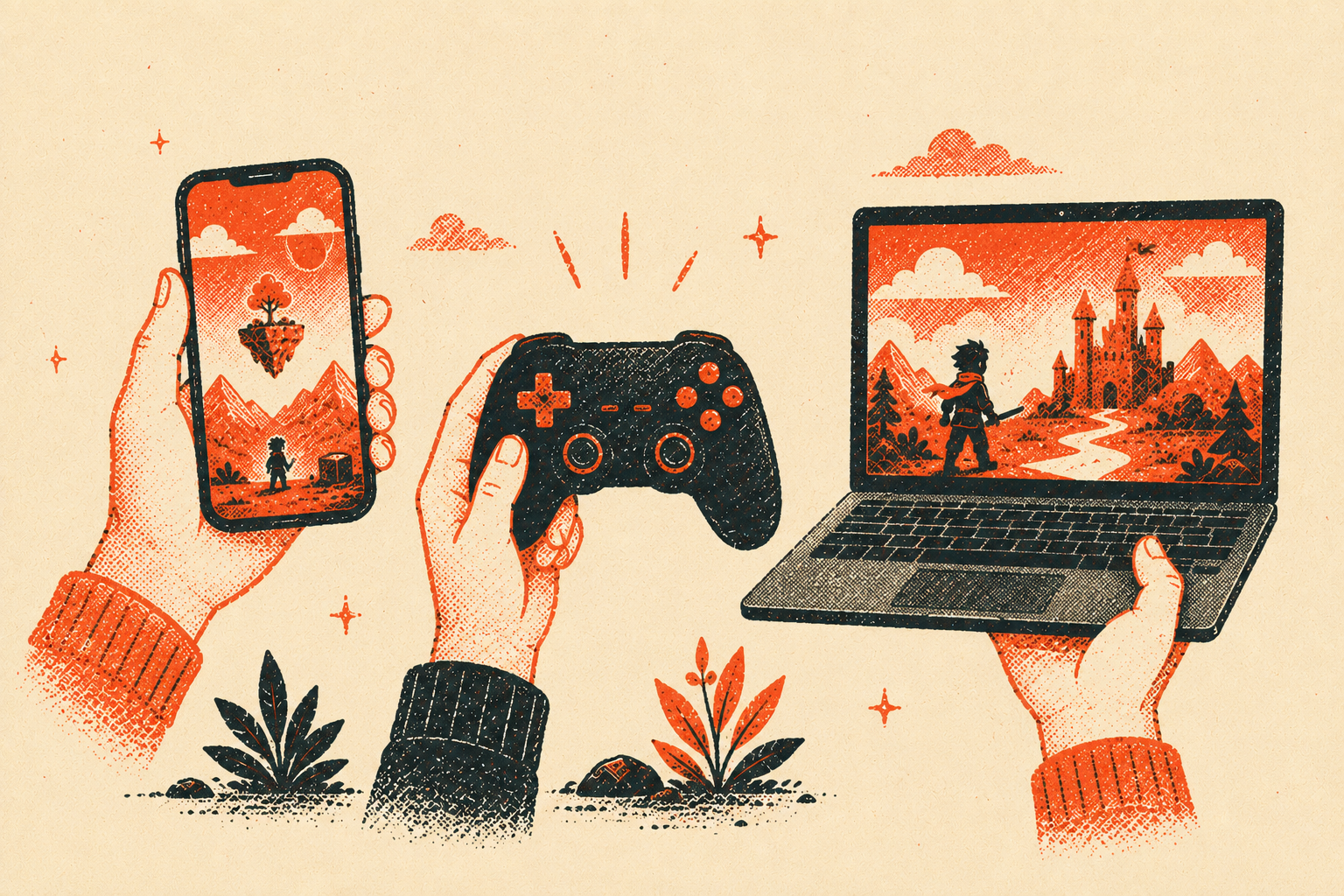
Good principles are universal, but the constraints are not. On mobile, you have one thumb and about a second of patience, so the first screen has to earn attention like a shop window. On console and PC, players give you a bit more room, but readability at a distance and clear controls matter more. Design the first minute for how people actually hold the device and how much patience the platform buys you.
Frequently asked questions
What makes good game onboarding UX?
Getting a new player to their first moment of fun quickly, with minimal friction. That means one decision at a time, a fast first win, teaching by doing rather than reading, smart defaults, and clear feedback on every action.
How long should a game tutorial be?
As short as it can be while still getting the player to their first win. Teach only what is needed to start having fun, then layer in deeper systems in context as they come up, not all at once up front.
Why do players quit during onboarding?
Usually confusion, not difficulty. When a player cannot tell what a button does, why they failed, or where to go next, they feel lost and leave. Clarity in the first minute is what keeps them.
How do you measure onboarding success?
Watch the first 60 seconds closely and track where players drop off, how fast they reach the first win, and how many complete the opening flow. Those early funnel points tell you more than almost any later metric.
Getting the first minute right
Strong game onboarding UX best practices come down to one idea: respect the player's time and attention in the opening minute, because that is where retention is really decided. Sequence decisions, get to the fun fast, teach by doing, and test that first minute harder than anything else.
If you want a fresh set of eyes on your game's onboarding or UX, talk to our team. We have shaped the first minute for 150+ games and are happy to point out the cheap wins hiding in your flow.